
From blank queue to publishable article.
QueueWrite gives each stage of content production its own place. Build the queue, research the subject, generate the draft, inspect the evidence, review the result, and publish when it is ready.
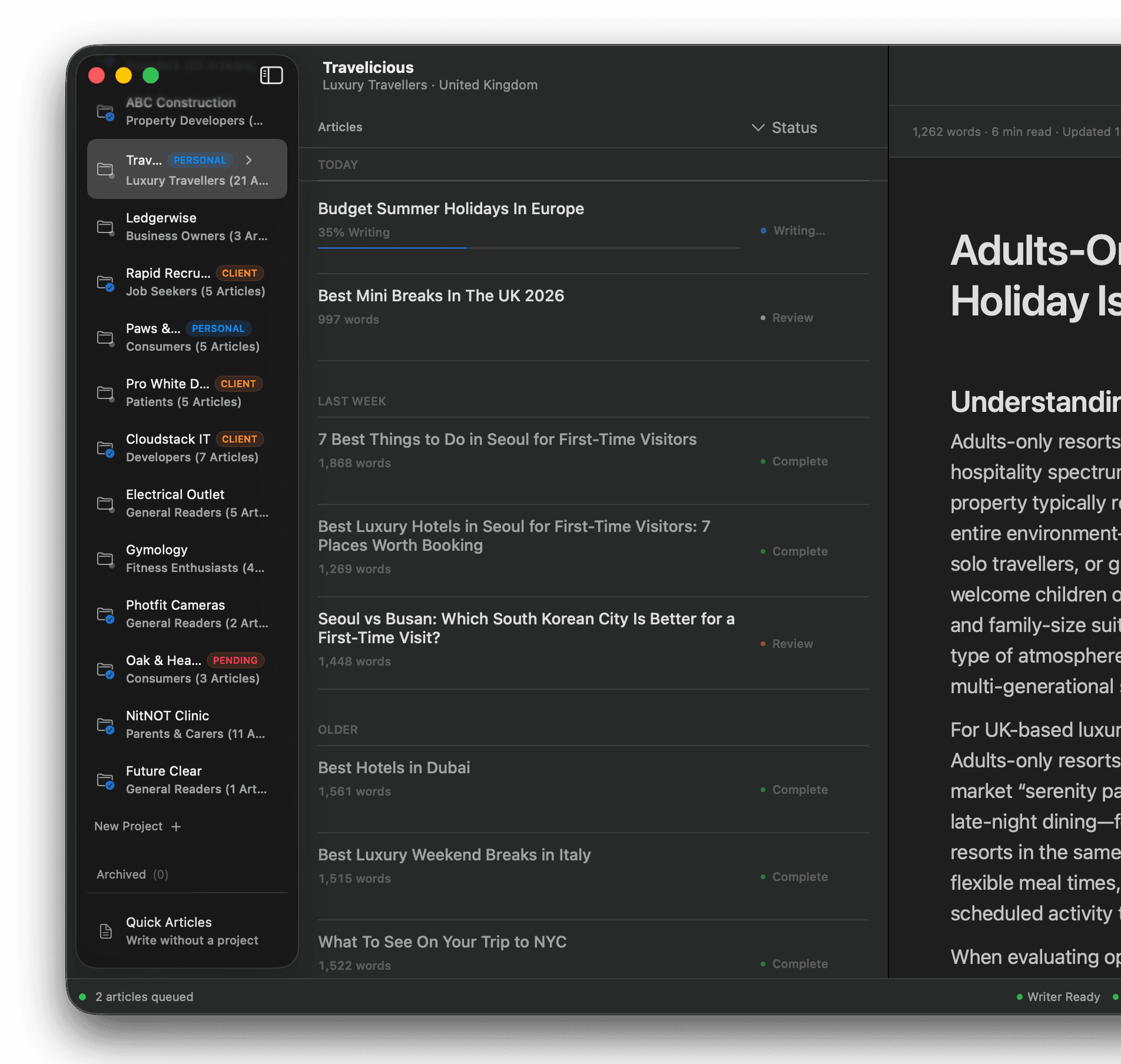
Ground every article before drafting.
Research is an explicit stage—not a hidden prompt trick. Gather web sources before generation, optionally supplement with academic research when the subject needs stronger evidence, keep everything inspectable beside the draft, and skip the stage entirely when the work does not require it.
- Web Research gathers relevant web sources before writing starts
- Optional Academic Research supplements evidence via Consensus when it matters
- Academic and web sources join the same inspectable evidence workflow
- Evidence remains visible in the Sources inspector for human review
- Skip research entirely when a subject does not need it
Academic research powered by Consensus. QueueWrite orchestrates the workflow; Consensus is a research source when you enable it—not a separate writing mode.
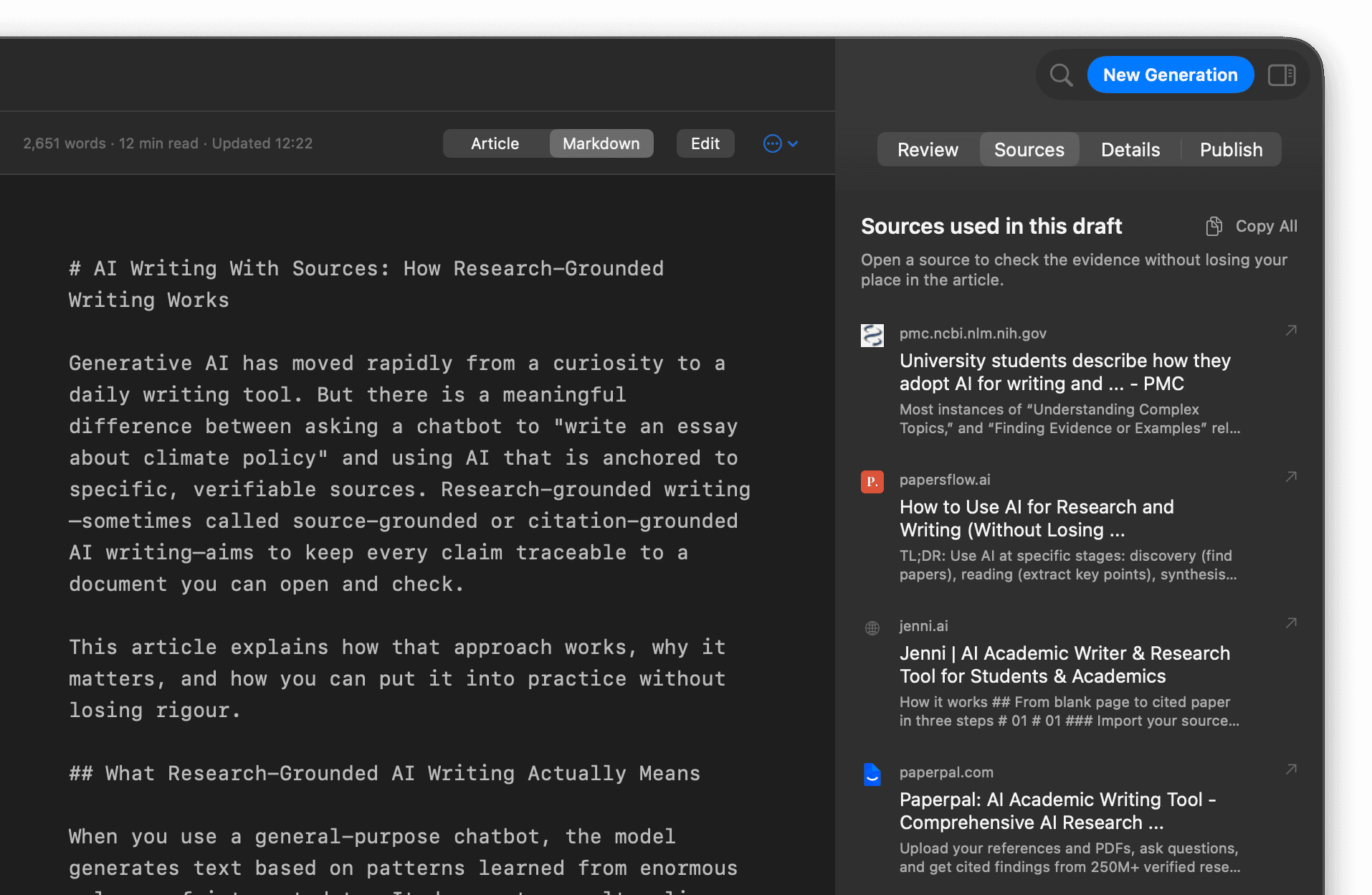
Turn a list into a controlled production run.
Queue multiple articles together, keep client and publication work in separate projects, and watch status stay visible as the run progresses. Pause, resume, and retry when a production run needs control—and use temporal groupings such as Today and This Week to make recent work understandable.
- Multi-article queues with live status
- Projects keep publications and clients separated
- Tags and categories for editorial structure
- Pause, resume, and retry on supported runs
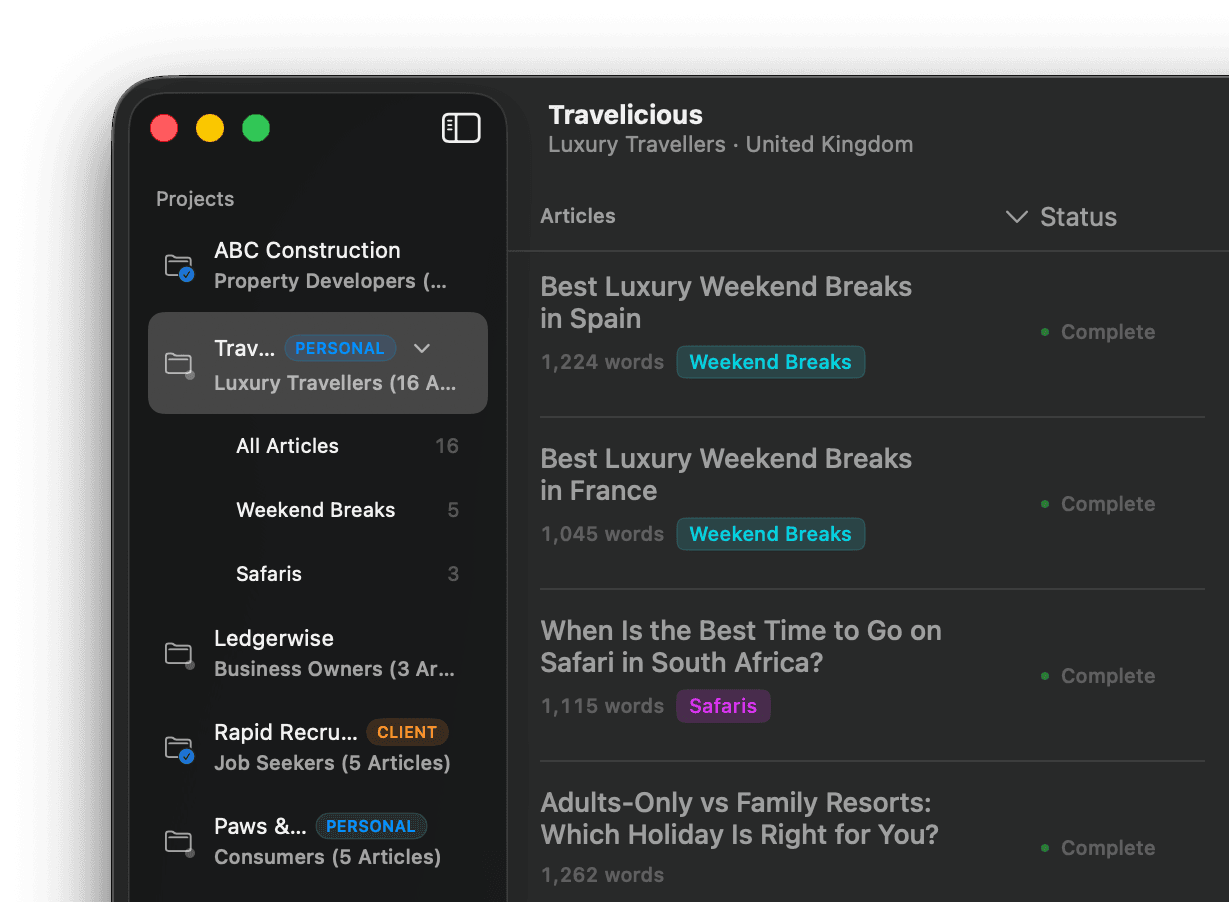
Write inside the same production context.
Generation does not happen in an isolated chat. The writer operates with the project brief and audience already attached, so the draft stays inside the same production context instead of starting from a blank prompt. Website Intelligence informs first-party framing from your site, products, and categories—so articles sound like they belong to the publication, not a generic model.
When research ran upstream, that evidence stays available beside the draft. Article profile and instructions are already in place before generation starts, so structure, tone, and editorial constraints travel with the work rather than getting re-explained in a separate chat.
See the AI writer with a research team →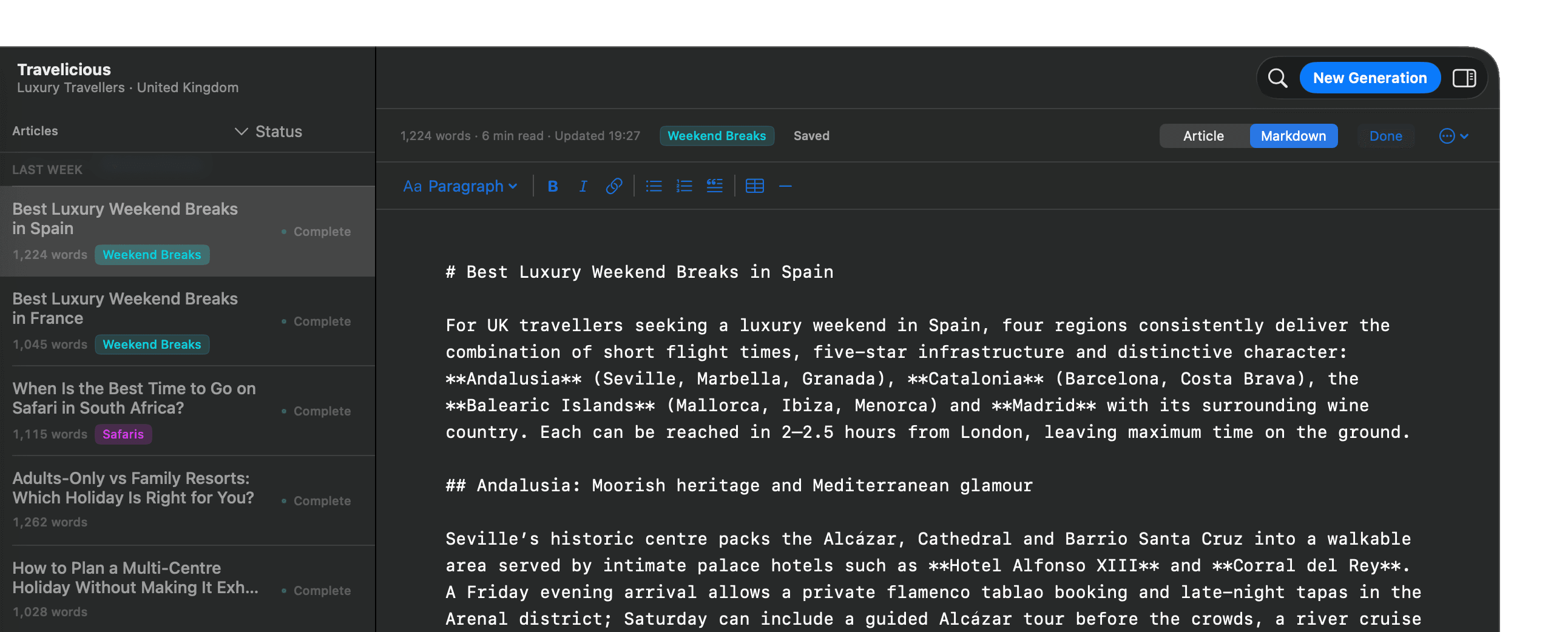
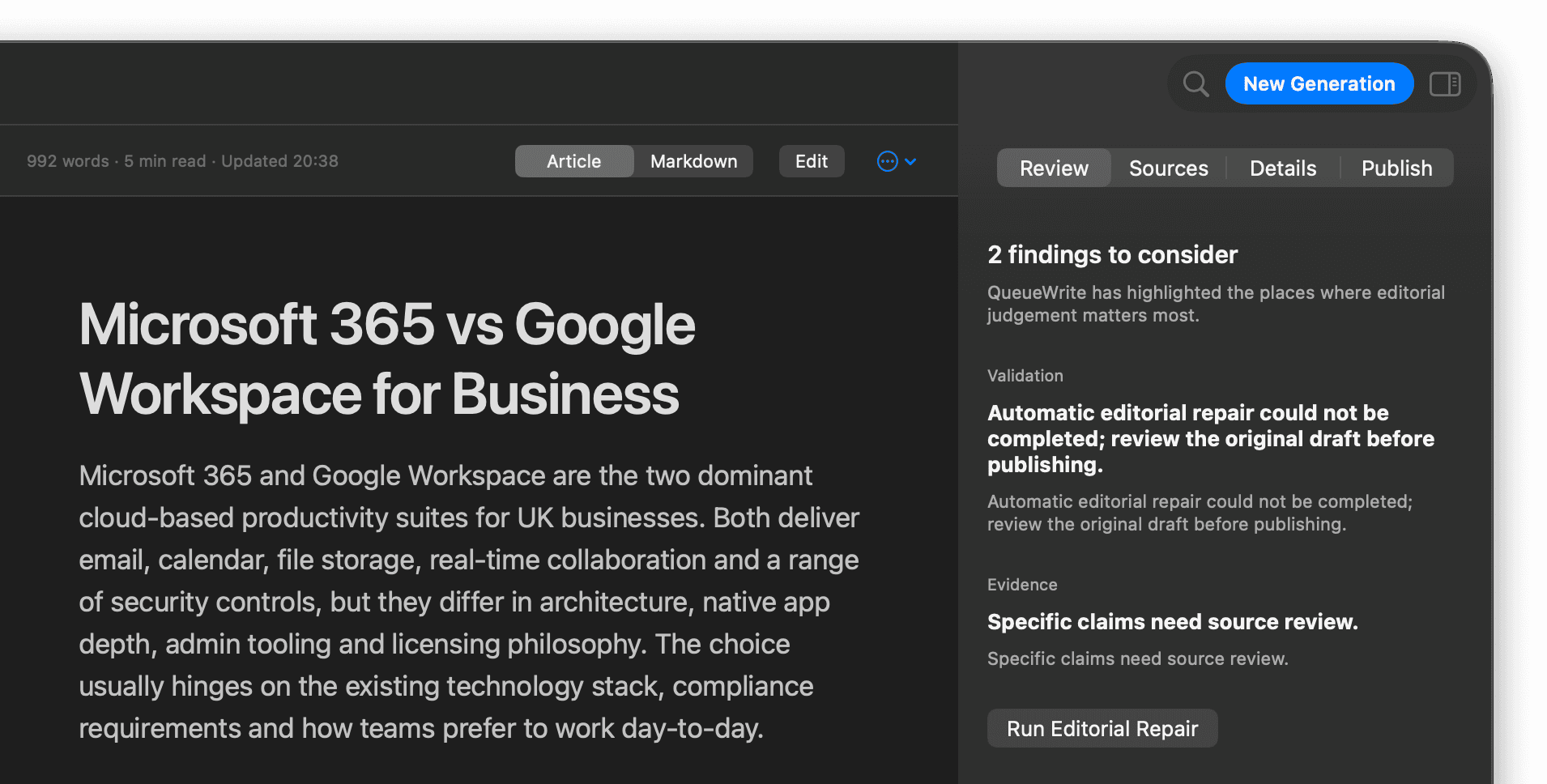
Inspect the evidence, structure, and draft together.
Validation and editorial findings sit beside the article—not in a separate tool. Review sources, run Editorial Repair when findings warrant it, and mark work as reviewed when a human has signed off. QueueWrite does not replace editorial judgement; it gives that judgement a structured place to work.
- Validation signals surfaced with the draft
- Editorial findings you can act on
- Evidence and source review in the same workspace
- Mark as Reviewed and Editorial Repair
Send approved work to its destination.
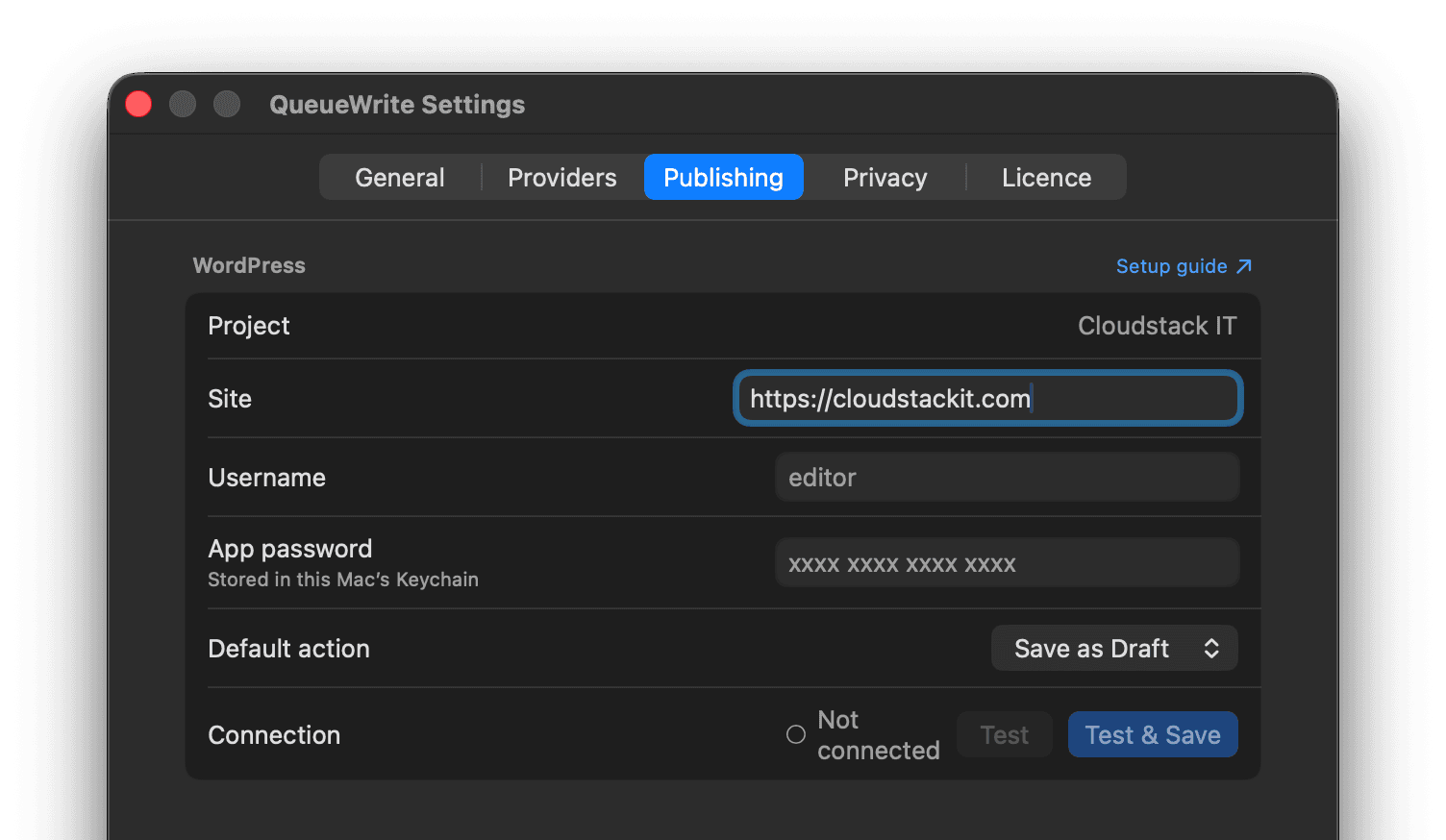
Export finished articles as Markdown or HTML, or publish to WordPress as a draft, scheduled post, or live article. When Contextual Images is enabled, selected Pexels photography can be uploaded to the site's WordPress Media Library as featured or inline imagery. The Publish inspector keeps the handoff with the same project context you already reviewed.
- Markdown and HTML export
- WordPress publishing
- Optional contextual images via Pexels
- Draft, schedule, or publish modes
- Review the destination before anything leaves this Mac
Built around the work, not the prompt.
QueueWrite is structured as a content-production workflow because serious publishing needs more than a writing box. Context stays with the article from research through review and release.
Project context
The publication, audience, and relevant first-party context stay attached to the work—so every article starts from the same operating brief.
Research context
Evidence can be gathered and inspected before the writer starts. Web research covers the open web; optional Academic Research can add scholarly sources when the subject needs stronger grounding. When a subject does not need research, the stage stays optional.
Production context
Articles live in a queue with status, sources, review, and publishing state—rather than disappearing into separate chats.
More detail on how the operating model works.
AI writer with a research team
How QueueWrite combines writing, web research, and optional academic evidence as one content operation.
Queue and batch production
How QueueWrite runs multiple articles without collapsing each one into a single prompt session.
Research-first AI writing
How sources and publication context shape a draft before review begins.
Own the complete editorial workflow.
Buy QueueWrite for research, writing, review, and publishing in one native Mac workspace.